
How to manage expectations, criticism and relationship challenges How to create an attractive online portfolio to attract new customers
The interior design profession: a delicate balance
Interior design is much more than just a creative profession: it's a mix of artistic vision, technical constraints and complex human relationships. While the end result must live up to expectations, the process can be fraught with pitfalls. Between clients' misunderstandings, collaborations with architects or craftsmen, and unforeseen events on site, the interior architect has to juggle many responsibilities.
In this article, I share my experience and advice on how to manage these delicate situations and maintain a professional and constructive relationship with all parties involved.

1. The challenges of the interior design profession
1.1. A profession subject to subjectivity
As an interior designer, you work in a field where perception is everything. What you consider to be an accomplished and elegant design can sometimes be judged differently by a client. Personal tastes, implicit expectations or misunderstandings about your role can easily turn a harmonious situation into frustration.
Example:
A customer may not like a piece of furniture or a finish, even if everything has been agreed beforehand. These moments are a reminder of how crucial it is to define expectations clearly from the outset.
1.2 Collaborating with other stakeholders
Working with architects, craftsmen and electricians is an essential part of the job. However, roles are not always clearly defined. If you're in charge of the design but someone else is responsible for monitoring the site, mistakes and misunderstandings can arise.
Example:
On one project, I had to adapt to elements that had been built without prior approval. The architect wasn't used to dealing with technical details, and there was a lack of coordination on site. As a result, some of the finishes didn't match my plans, and the client complained.
1.3. The interior designer, the easy target
When things don't go to plan, it's often easier for a customer or tradesperson to point the finger at the interior designer. Why is that? Because you are less present on the site or because your role is misunderstood. This can be frustrating, especially when you have followed your brief to the letter.
2. How can you avoid these frustrations?
2.1. Clarify your role from the outset
The first step in avoiding misunderstandings is to define your role precisely. Include it in your contract:
- Exact responsibilities (design, choice of materials, moodboards, etc.).
- The limits of your intervention (site monitoring, on-site validation, etc.).
- The key stages with the approvals required by the customer or other stakeholders.
Tip: Explain your role clearly to everyone involved (architects, tradesmen, electricians) at the first few meetings.
2.2 Establish fluid communication
Organise upstream meetings: Brings all the parties together to lay the foundations and coordinate expectations.
Favours the written word: After each important exchange, send a report by email to avoid any misinterpretation.e potential customers.
Organise upstream meetings: Brings all the parties together to lay the foundations and coordinate expectations.
Favours the written word: After each important exchange, send a report by email to avoid any misinterpretation.
Example:
On a recent project, I sent out summaries after each meeting. This kept a clear record of the decisions taken, which was useful in avoiding unjustified criticism later on.
2.3. Request for formal validations
Before going ahead with the work, ask for written approval of the plans, materials or choices. This will protect you in the event of a dispute.
3. Dealing with frustrations when they arise
Even with the best precautions, misunderstandings and criticisms can arise. Here's how to react:
3.1 Listening and empathy
- Let the customer speak: Listen carefully to his frustrations without interrupting.
- Show empathy : Even if you're not responsible, acknowledge his feelings: «I understand that this may have frustrated you».»
3.2. Background and clarification
- Explain your role calmly: If the mistake was made by someone else, tell them so without directly accusing them.
- Propose solutions: If it's within your remit, offer an alternative or a possible improvement.
Sample answer:
«I understand your frustration with [specific item]. However, this decision was made on the spot without my consultation. I am willing to find a solution to improve the situation to the best of my ability.»
3.3. Document everything
Keep a record of each validation and decision. This will protect you in the event of disagreement.
Keep a record of each validation and decision: A shield against disagreements
In an interior design project, documentation is your best ally. Every decision you make, every change you accept and every detail you approve must be recorded in a clear and accessible way. And why is that? Because it ensures total transparency and protects you in the event of any future misunderstandings or disagreements.
Why is this crucial?
- Avoiding misunderstandings : When a customer or stakeholder goes back on a decision and says they weren't aware of it, having a written record (email, minutes, annotated sketch) allows you to demonstrate what was agreed.
- Clarifying responsibilities : If an error occurs, it's easier to identify its origin. For example, if a choice of material or a plan has been validated by the customer, this proves that you have respected your mission.
- Preventing conflict : In the event of a major disagreement, clear documentation can prevent the situation from escalating, by focusing the debate on concrete facts.
How do you keep effective records?
1. Centralizes all information
Emails : Archive important exchanges. Use specific labels or folders to find them easily.
Validated plans and documents : Keeps a dated version of each plan validated by the customer or a stakeholder.
Photos and captures : Document the progress of the project with before-and-after photos, especially for complex details.
2. Sends minutes after each meeting or exchange
Summarises the points discussed, the decisions taken and the next steps.
Example: »Following our meeting on 12 February, the following points were approved:
Kitchen plan: accepted with modifications to materials.
Please confirm these points so that we can move forward within the agreed timeframe.
3. Obtain written validation
- Requires a signature or validation by email before proceeding to the next stage. This can be a simple message from the customer confirming : «The bathroom plan has been approved. You may proceed.»
4. Uses project management tools
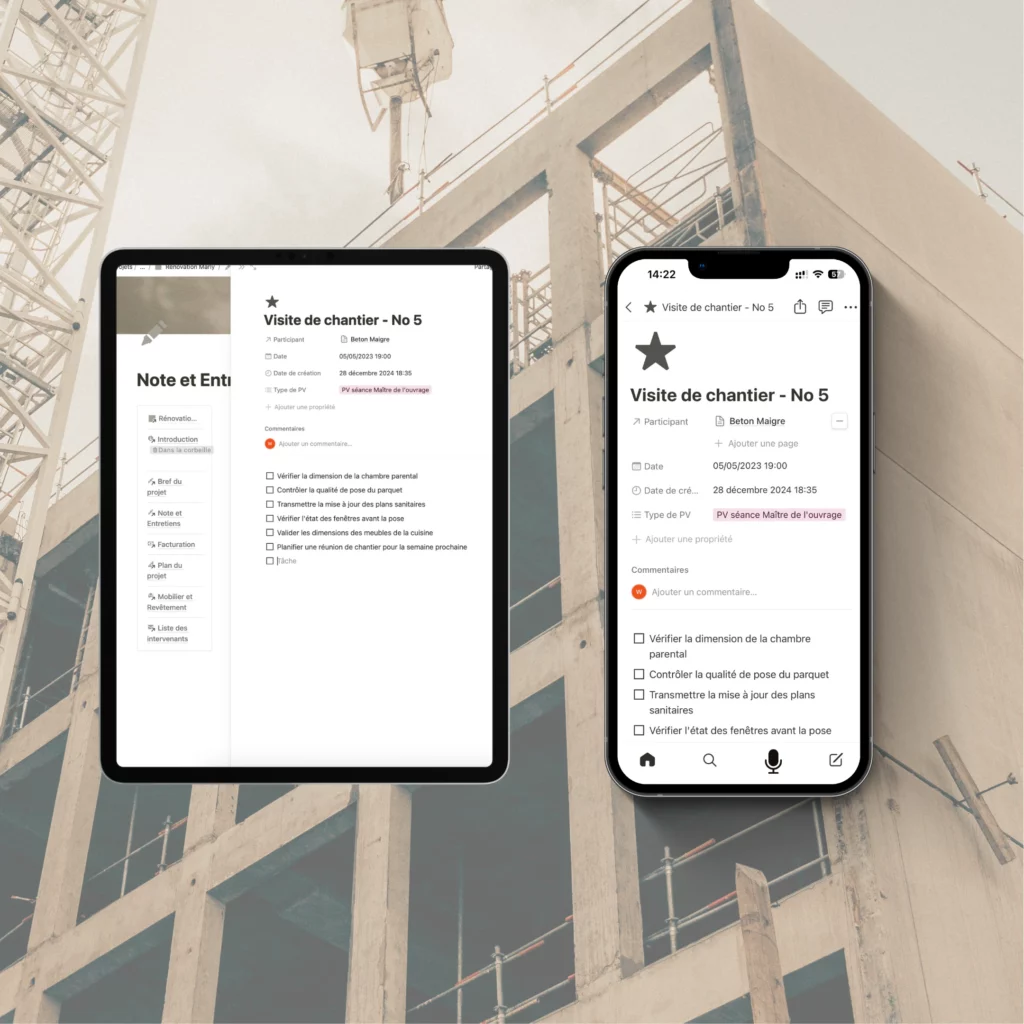
Platforms like Trello, Notion, Asana or even Google Drive allow you to centralise approvals and have a clear view of each stage.
We use Notion personally, and it's a great tool for managing our projects effectively. Notion allows us to create personalised templates for each project, organise tasks into stages, track deadlines and integrate important files and notes. Thanks to its flexibility, it's easy to adapt the system to each project, according to the specific needs of the client and the team. This saves precious time and ensures smooth communication between all those involved.
How can HI Detail Architecture Detail help you with data centralisation?
We know that Notion can sometimes be a little difficult to assimilate for some, which is why we've created a template Notion specially designed to simplify the management of your interior architecture projects.
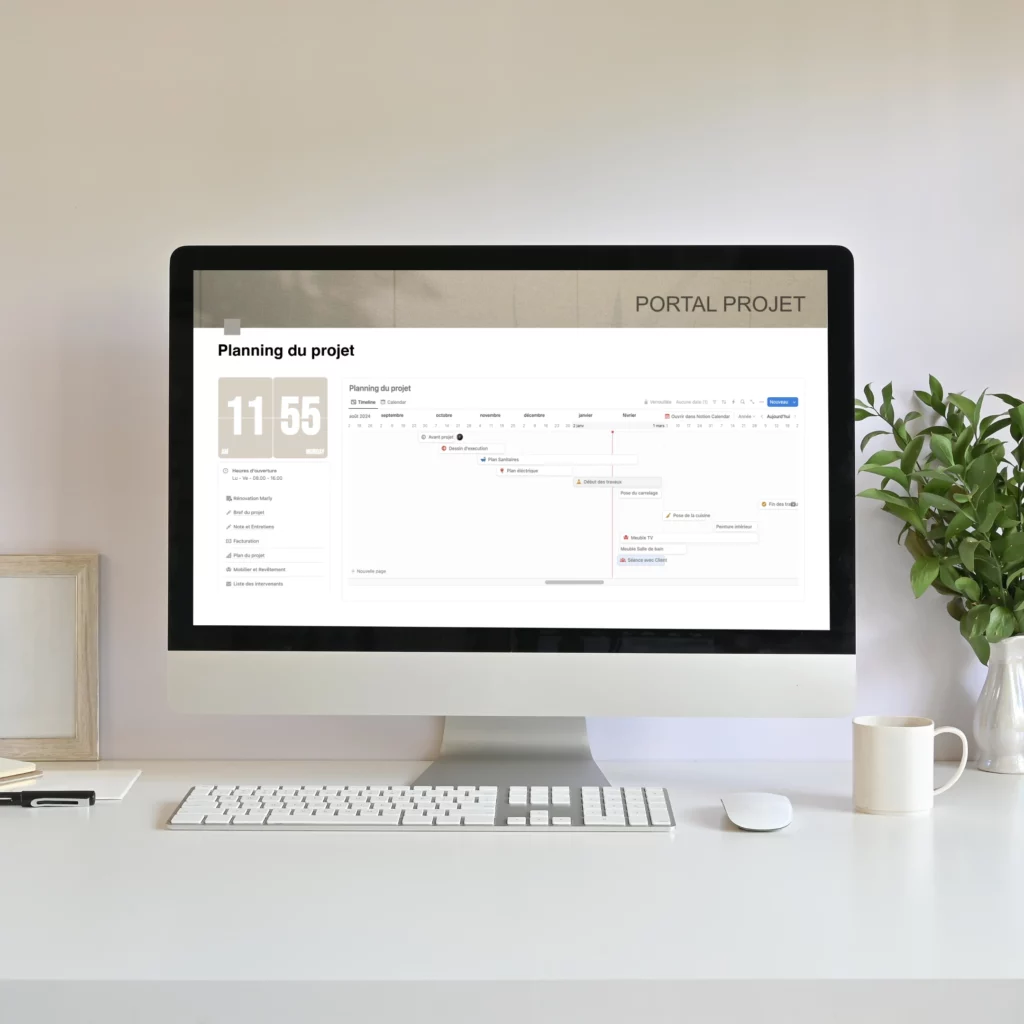
This template will enable you to group together all the essential information and assign it to a project in a structured way:
Object library Create your own library of objects and assign them to your project. Have your customer validate these items to ensure that everything meets their expectations. What's more, you can create your own shopping list for each project and save it for future use.
Creating session notes Group all your meeting notes by project and share them easily with your client. This allows all parties to keep track of important discussions and decisions.
Centralisation of invoices Assign invoices to each project, so that you can track and manage expenditure in an orderly fashion.
Time tracking Keep a record of the hours you and your colleagues spend on each project, so that you can manage the time spent on each project accurately.
Creating a project schedule Organise the various stages of your project or worksite, and share them with your customer to ensure smooth coordination and meet deadlines.
and much, much more...
Discover our Notion template here.
And if a disagreement does arise?
If a dispute arises, here's how to use your documentation:
- Present the facts: Calmly reiterate what has been validated, with the corresponding proof (emails, plans, minutes).
- Keep a professional tone: Even if you're right, don't accuse or provoke.
- Propose a solution: Once responsibilities have been clarified, steer the discussion towards a concrete solution.
Sample answer:
«I understand your frustration regarding this aspect. As a reminder, the plan was validated together on [date], as indicated in our exchange. However, I am willing to explore options to improve this point as far as I am able.»
4. Repairing and learning: turning challenges into opportunities
4.1. Proposes a constructive gesture
Even if the responsibility is not entirely yours, offering a small free adjustment or solution shows your goodwill. This can ease tensions and preserve the relationship with the customer.
4.2 Drawing lessons from each project
Analyse what could have been better anticipated or communicated to avoid similar frustrations in the future.
4.3. Don't take criticism too personally
Remember that these remarks are often about the result, not about you as a person. Learn to take a step back so that you can continue to move forward calmly.
Conclusion: Stay the course
Interior design is an exciting but demanding profession. Frustrations are part of the process, but they are also opportunities to improve your methods, refine your communication and build your resilience. With clear boundaries, good communication and a positive mindset, you can turn even the most challenging projects into successes.
Explore our templates
Discover our Professional Templates on Canva and InDesign
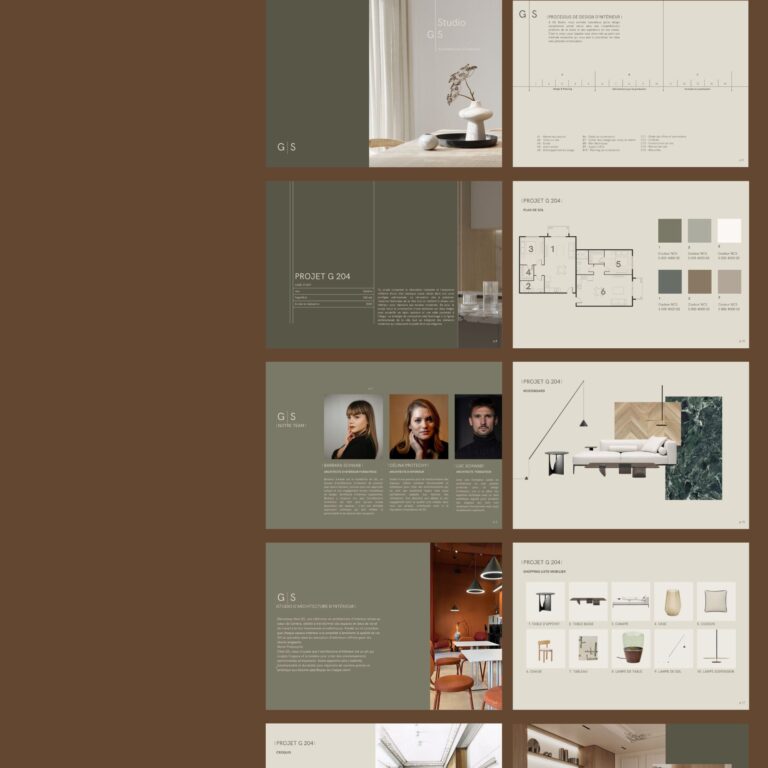
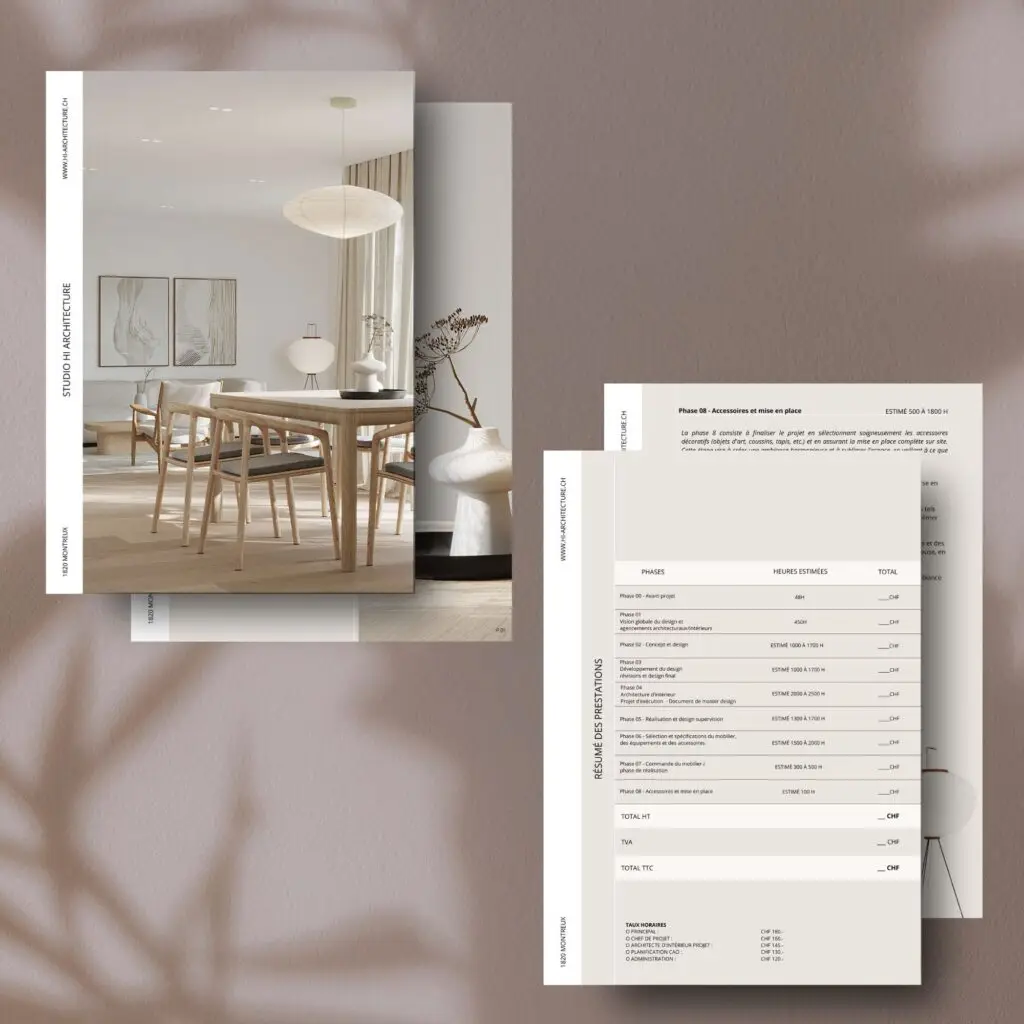
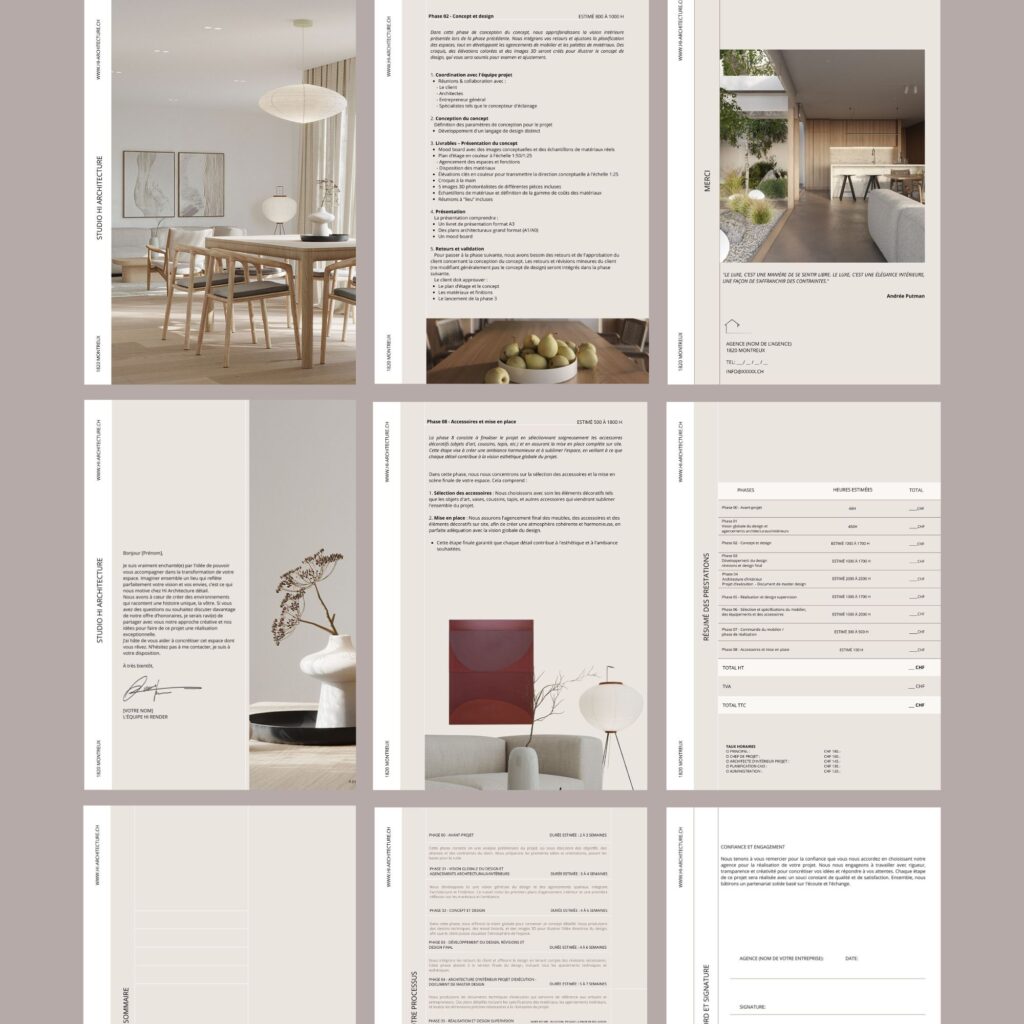
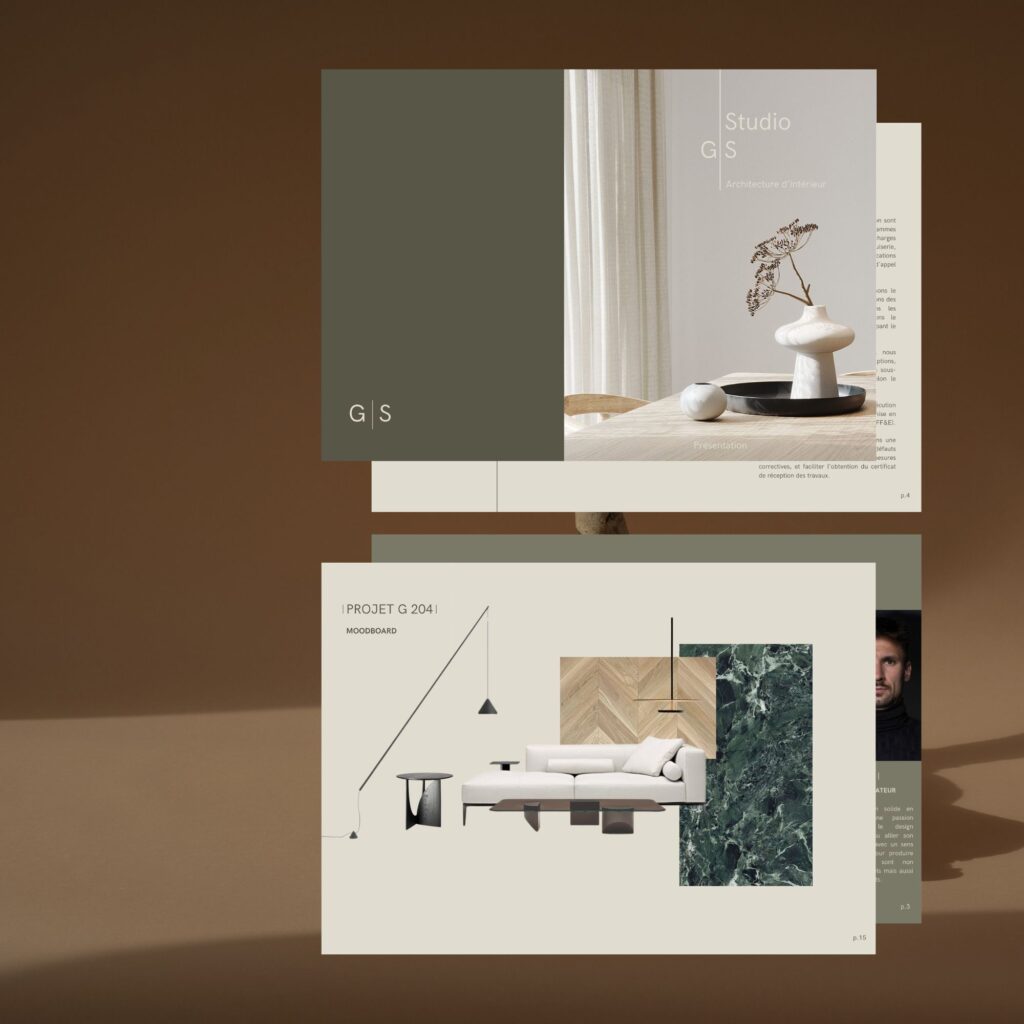
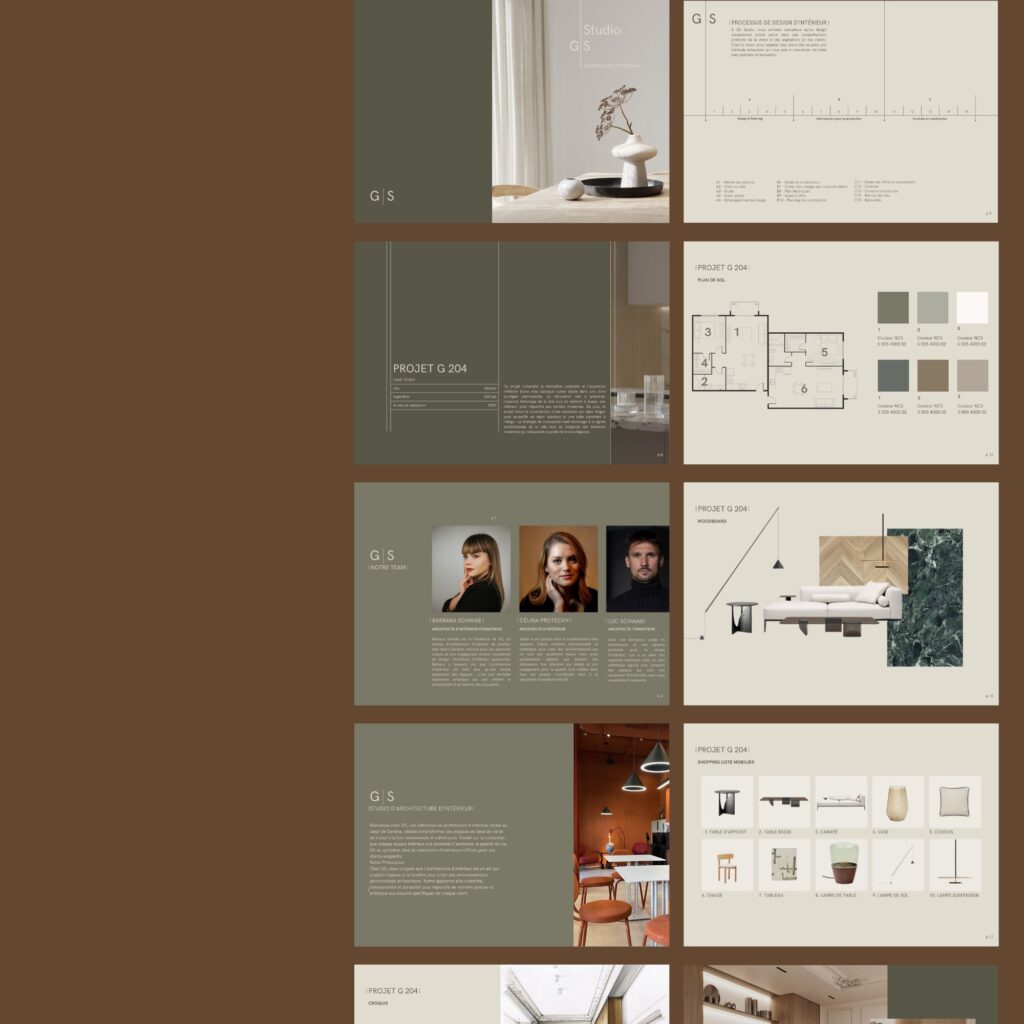
Simplify your creative projects with our personalised, elegant templates, available on Canva and InDesign. Designed especially for architects and designers, these templates let you create presentations, portfolios, mood boards and much more in the blink of an eye. Save time, maintain professional visual consistency and showcase your work with modern, striking designs.
Explore our collection and find the perfect template to bring your ideas to life!